Build your first automation in under 5 minutes. Sign up for free.

Connect Google Contacts to Google Tasks

Build automations that connect Google Contacts to Google Tasks. When something happens in Google Contacts, Nodest passes the data along and runs the actions you set up in Google Tasks or the other way around — no coding required.

Automations

Popular Google Contacts and Google Tasks workflows

Pick a ready-made workflow that connects Google Contacts with Google Tasks, customise it to fit your needs, and go live in minutes.

Triggers and actions

Available triggers and actions for Google Contacts and Google Tasks

Combine the triggers and actions of Google Contacts and Google Tasks to build your automation. Triggers start the automation, and actions are the steps that follow.

Add a contact to a labelAction

Add a contact to a label

Add a contact to a Google Contacts label.

Create a contactAction

Create a contact

Create a contact in Google Contacts.

Create a labelAction

Create a label

Create a new label in Google Contacts.

Delete a contactAction

Delete a contact

Delete a contact from Google Contacts.

Delete a labelAction

Delete a label

Delete a label from Google Contacts.

Find contactsAction

Find contacts

List the contacts in your Google account.

Find labelsAction

Find labels

List the labels in your Google Contacts.

Remove a contact from a labelAction

Remove a contact from a label

Remove a contact from a Contacts label.

Rename a labelAction

Rename a label

Rename a label in Google Contacts.

Retrieve a contactAction

Retrieve a contact

Get one Google contact by its id.

Retrieve a labelAction

Retrieve a label

Get one Google Contacts label by its id.

Search contactsAction

Search contacts

Search your Google contacts by text.

Update a contactAction

Update a contact

Update a contact in Google Contacts.

Clear completed tasksAction

Clear completed tasks

Hide all completed tasks on a list.

Complete a taskAction

Complete a task

Mark a Google task as completed.

Create a taskAction

Create a task

Create a task on a Google task list.

Create a task listAction

Create a task list

Create a new Google task list.

Delete a taskAction

Delete a task

Delete a task from a Google task list.

Delete a task listAction

Delete a task list

Delete a Google task list.

Find task listsAction

Find task lists

List the task lists in your Google account.

Find tasksAction

Find tasks

List the tasks on a Google task list.

Move a taskAction

Move a task

Reorder or move a Google task to another list.

Rename a task listAction

Rename a task list

Rename a Google task list.

Retrieve a taskAction

Retrieve a task

Get one Google task by its id.

Retrieve a task listAction

Retrieve a task list

Get one Google task list by its id.

Update a taskAction

Update a task

Update a task on a Google task list.

How it works

Connect Google Contacts with Google Tasks in three steps

Create automations that move data between Google Contacts and Google Tasks. Nodest handles the work in between, so you can focus on what matters.

Connect Google Contacts and Google Tasks

Link your Google Contacts and Google Tasks accounts to Nodest in a few clicks, so both tools are ready to use in automations.

Pick a trigger

Choose the event that starts your automation, such as a new order, form submission, or updated record in Google Contacts or Google Tasks.

Chain actions and go live

Add one or more actions, and combine them with filters, branches, and delays to create a workflow that fits your needs.
Automation tips and tricks for WordPress professionals

Learn how to take control of your time with automation tips and productivity insights - weekly to your inbox.

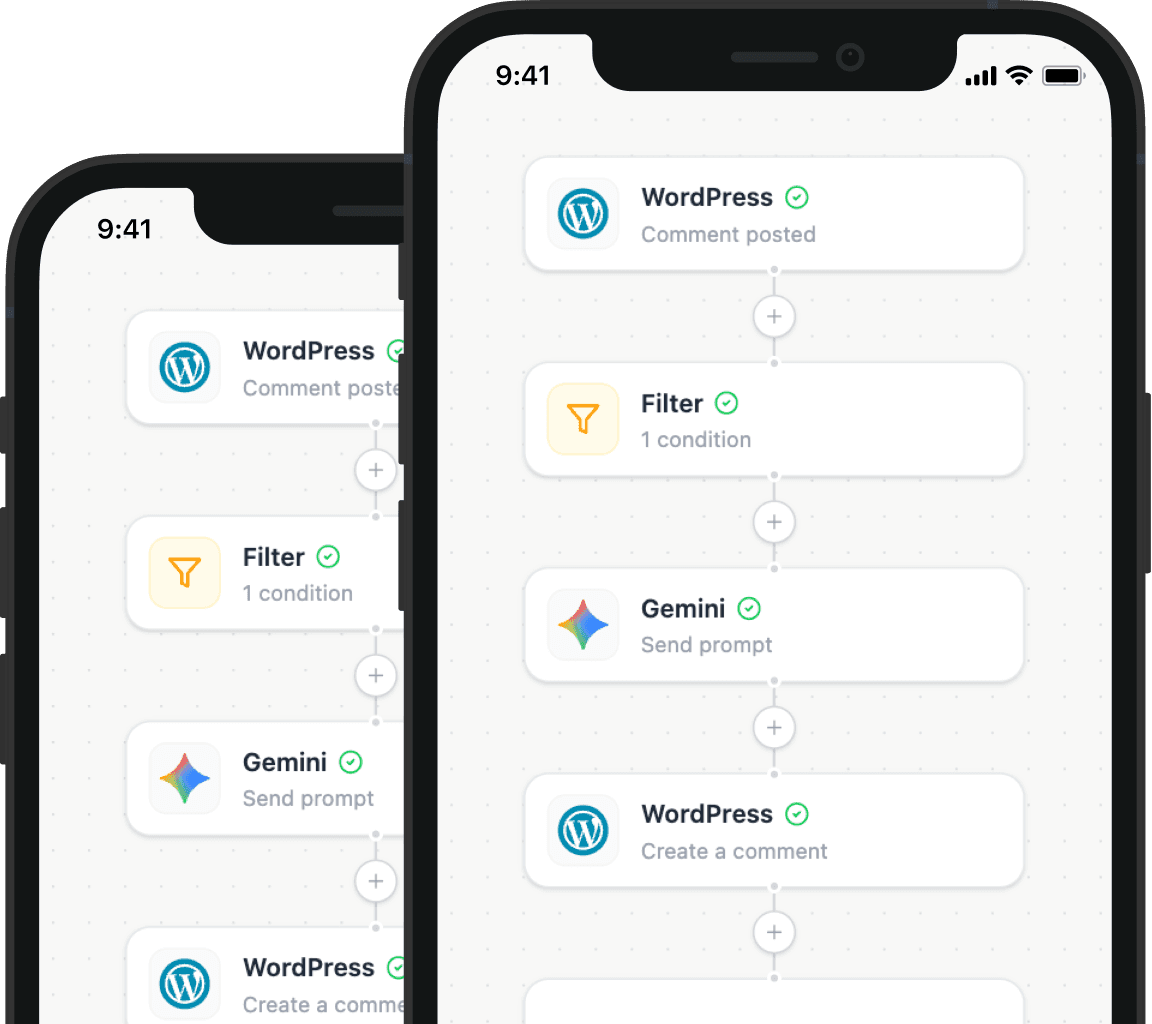
Illustration showing how Nodest connects WordPress to the tools you already use every day