Build your first automation in under 5 minutes. Sign up for free.
Fluent Forms

Connect Fluent Forms with Mailchimp

Build automations that connect Fluent Forms with Mailchimp. When something happens in Fluent Forms, Nodest passes the data along and runs the actions you set up in Mailchimp or the other way around — no coding required.

Automations

Popular Fluent Forms and Mailchimp workflows

Pick a ready-made workflow that connects Fluent Forms with Mailchimp, customise it to fit your needs, and go live in minutes.

Triggers and actions

Available triggers and actions for Fluent Forms and Mailchimp

Combine the triggers and actions of Fluent Forms and Mailchimp to build your automation. Triggers start the automation, and actions are the steps that follow.

Fluent FormsTrigger

Entry deleted

Fires when a Fluent Forms entry is deleted.

Fluent FormsTrigger

Entry status changed

Fires when a Fluent Forms entry's status changes.

Fluent FormsTrigger

Note added to entry

Fires when a note is added in Fluent Forms.

Fluent FormsTrigger

Form submitted

Fires when a Fluent Forms entry is submitted.

Fluent FormsAction

Find forms

Fluent Forms available on the connected site.

Update a memberAction

Update a member

Update a member in a Mailchimp audience.

Add a memberAction

Add a member

Add a contact to a Mailchimp audience.

Archive a memberAction

Archive a member

Archive a member from a Mailchimp audience.

Delete a campaignAction

Delete a campaign

Delete a Mailchimp campaign permanently.

Add a tag to a memberAction

Add a tag to a member

Add a tag to a member in a Mailchimp audience.

Update a campaignAction

Update a campaign

Update a Mailchimp campaign's settings.

Remove a tag from a memberAction

Remove a tag from a member

Remove a tag from a Mailchimp member.

Delete a member permanentlyAction

Delete a member permanently

Permanently delete a member from Mailchimp.

Send a campaignAction

Send a campaign

Send a Mailchimp campaign to its audience.

Create a campaignAction

Create a campaign

Create a Mailchimp campaign in draft.

Schedule a campaignAction

Schedule a campaign

Schedule a Mailchimp campaign to send later.

Add a note to a memberAction

Add a note to a member

Add a note to a member in a Mailchimp audience.

Start an automationAction

Start an automation

Start a Mailchimp classic automation workflow.

Pause an automationAction

Pause an automation

Pause a Mailchimp classic automation workflow.

Find campaignsAction

Find campaigns

Campaigns in your Mailchimp account.

Find listsAction

Find lists

Audiences (lists) in your Mailchimp account.

Find merge fieldsAction

Find merge fields

Editable merge fields for an audience.

Find automationsAction

Find automations

Classic automation workflows in your account.

How it works

Connect Fluent Forms with Mailchimp in three steps

Create automations that move data between Fluent Forms and Mailchimp. Nodest handles the work in between, so you can focus on what matters.

Connect Fluent Forms and Mailchimp

Link your Fluent Forms and Mailchimp accounts to Nodest in a few clicks, so both tools are ready to use in automations.

Pick a trigger

Choose the event that starts your automation, such as a new order, form submission, or updated record in Fluent Forms or Mailchimp.

Chain actions and go live

Add one or more actions, and combine them with filters, branches, and delays to create a workflow that fits your needs.
Automation tips and tricks for WordPress professionals

Learn how to take control of your time with automation tips and productivity insights - weekly to your inbox.

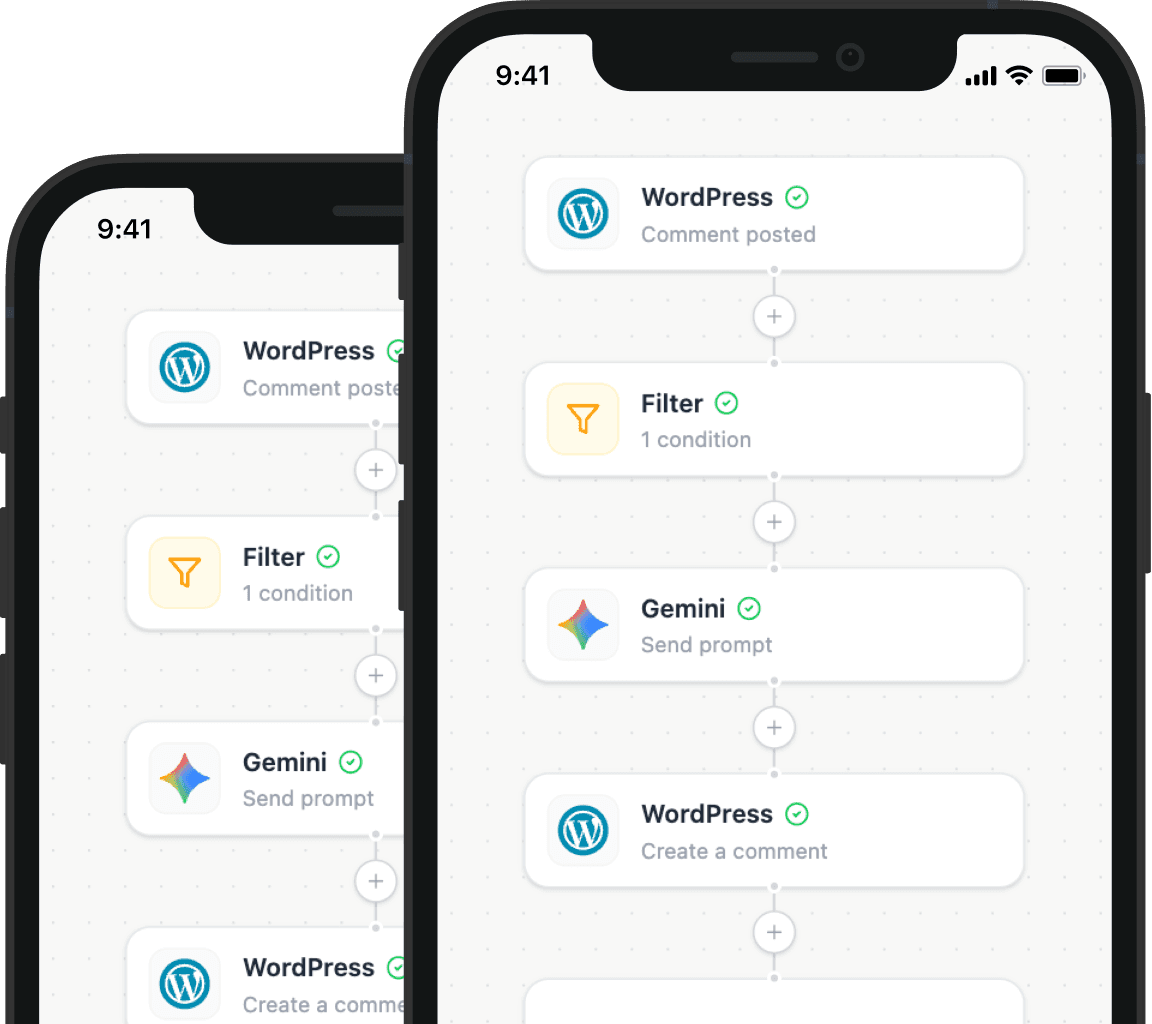
Illustration showing how Nodest connects WordPress to the tools you already use every day