Build your first automation in under 5 minutes. Sign up for free.

Connect DeepL to WS Form

Build automations that connect DeepL to WS Form. When something happens in DeepL, Nodest passes the data along and runs the actions you set up in WS Form or the other way around — no coding required.

Automations

Popular DeepL and WS Form workflows

Pick a ready-made workflow that connects DeepL with WS Form, customise it to fit your needs, and go live in minutes.

WS FormDeepLWordPress

Draft translated posts in WordPress with DeepL for new form submissions in WS Form

When “Form submitted” fires in WS Form, Nodest will translate text in DeepL and create a post in WordPress.

WS FormDeepLSlack

Send translated submissions to Slack with DeepL for new form submissions in WS Form

When “Form submitted” fires in WS Form, Nodest will translate text in DeepL and send a channel message in Slack.

WS FormDeepLGoogle Sheets

Log translated submissions in Google Sheets with DeepL for new WS Form submissions

When “Form submitted” fires in WS Form, Nodest will translate text in DeepL and create a row in Google Sheets.

Triggers and actions

Available triggers and actions for DeepL and WS Form

Combine the triggers and actions of DeepL and WS Form to build your automation. Triggers start the automation, and actions are the steps that follow.

Find glossariesAction

Find glossaries

List glossaries in your DeepL account.

Find source languagesAction

Find source languages

List languages DeepL can translate from.

Find style rule listsAction

Find style rule lists

List style rule lists in your DeepL account.

Find target languagesAction

Find target languages

List languages DeepL can translate into.

Find translation memoriesAction

Find translation memories

List translation memories in your account.

Translate textAction

Translate text

Translate text into another language.

Form submittedTrigger

Form submitted

Fires when a WS Form submission completes.

Find formsAction

Find forms

List forms in WS Form.

How it works

Connect DeepL with WS Form in three steps

Create automations that move data between DeepL and WS Form. Nodest handles the work in between, so you can focus on what matters.

Connect DeepL and WS Form

Link your DeepL and WS Form accounts to Nodest in a few clicks, so both tools are ready to use in automations.

Pick a trigger

Choose the event that starts your automation, such as a new order, form submission, or updated record in DeepL or WS Form.

Chain actions and go live

Add one or more actions, and combine them with filters, branches, and delays to create a workflow that fits your needs.
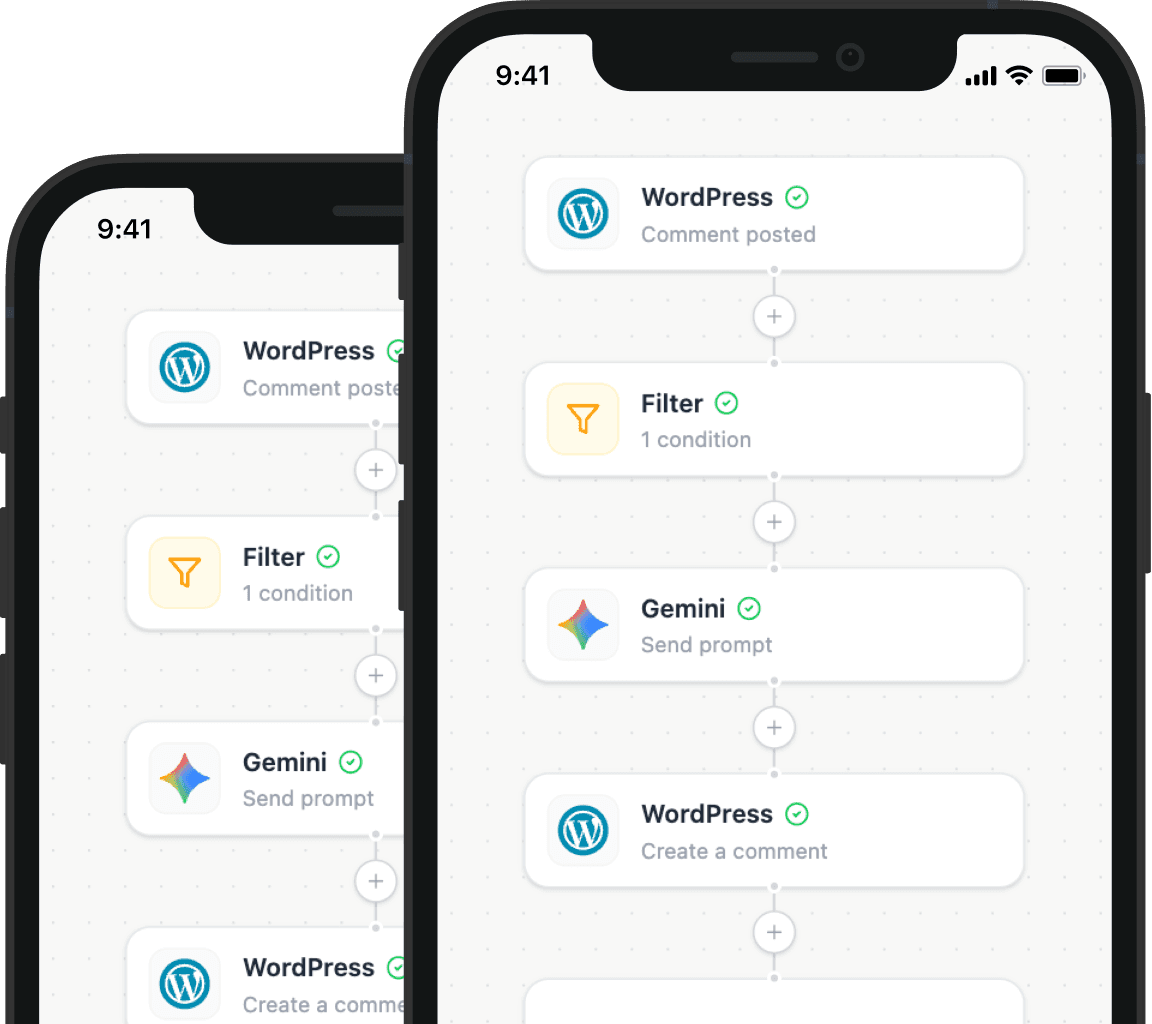
Automation tips and tricks for WordPress professionals

Learn how to take control of your time with automation tips and productivity insights - weekly to your inbox.

Illustration showing how Nodest connects WordPress to the tools you already use every day