Build your first automation in under 5 minutes. Sign up for free.

Connect CleverReach to Slack

Build automations that connect CleverReach to Slack. When something happens in CleverReach, Nodest passes the data along and runs the actions you set up in Slack or the other way around — no coding required.

Automations

Popular CleverReach and Slack workflows

Pick a ready-made workflow that connects CleverReach with Slack, customise it to fit your needs, and go live in minutes.

SlackCleverReachCleverReach

Add tags to receivers in CleverReach for reactions added in Slack

When “Reaction added” fires in Slack, Nodest will create or update a receiver in CleverReach and add a tag to a receiver in CleverReach.

SlackCleverReach

Create or update receivers in CleverReach when the bot is mentioned in Slack

When “Bot mentioned” fires in Slack, Nodest will create or update a receiver in CleverReach.

SlackCleverReach

Create or update receivers in CleverReach for members joined workspace in Slack

When “Member joined workspace” fires in Slack, Nodest will create or update a receiver in CleverReach.

Triggers and actions

Available triggers and actions for CleverReach and Slack

Combine the triggers and actions of CleverReach and Slack to build your automation. Triggers start the automation, and actions are the steps that follow.

Activate a receiverAction

Activate a receiver

Activate a receiver in a CleverReach group.

Add a tag to a receiverAction

Add a tag to a receiver

Add a tag to a receiver in CleverReach.

Add an email to the blocklistAction

Add an email to the blocklist

Add an email address to your CleverReach blocklist.

Add an order to a receiverAction

Add an order to a receiver

Record an order for a receiver in CleverReach.

Change a receiver's emailAction

Change a receiver's email

Change the email address of a receiver in CleverReach.

Create a groupAction

Create a group

Create a group in CleverReach.

Create an attributeAction

Create an attribute

Create a global attribute, or an attribute in a CleverReach group.

Create or update a receiverAction

Create or update a receiver

Create a receiver in a CleverReach group, or update the existing receiver with the same email.

Deactivate a receiverAction

Deactivate a receiver

Deactivate a receiver in a CleverReach group.

Delete a global attributeAction

Delete a global attribute

Permanently delete a global attribute from CleverReach.

Delete a groupAction

Delete a group

Permanently delete a group from CleverReach.

Delete a group attributeAction

Delete a group attribute

Permanently delete an attribute from a CleverReach group.

Delete a receiverAction

Delete a receiver

Permanently delete a receiver from a CleverReach group.

Delete an orderAction

Delete an order

Permanently delete an order of a receiver in CleverReach.

Find blocklist entriesAction

Find blocklist entries

List blocked email addresses in CleverReach.

Find global attributesAction

Find global attributes

List global attributes defined for receivers.

Find group attributesAction

Find group attributes

List attributes defined for a CleverReach group.

Find groupsAction

Find groups

List groups in your CleverReach account.

Find mailingsAction

Find mailings

List mailings in your CleverReach account.

Find ordersAction

Find orders

List orders of a receiver in a CleverReach group.

Find receiversAction

Find receivers

List receivers in a CleverReach group.

Find reportsAction

Find reports

List reports in your CleverReach account.

Find tags on a receiverAction

Find tags on a receiver

List tags set on a CleverReach receiver.

Remove a tag from a receiverAction

Remove a tag from a receiver

Remove a tag from a receiver in CleverReach.

Remove an email from the blocklistAction

Remove an email from the blocklist

Remove an email address from your CleverReach blocklist.

Retrieve a blocklist entryAction

Retrieve a blocklist entry

Retrieve a blocklist entry from your CleverReach account by email.

Retrieve a global attributeAction

Retrieve a global attribute

Retrieve a global attribute from your CleverReach account by ID.

Retrieve a groupAction

Retrieve a group

Retrieve a group from your CleverReach account by ID.

Retrieve a group attributeAction

Retrieve a group attribute

Retrieve a group attribute from your CleverReach account by ID.

Retrieve a mailingAction

Retrieve a mailing

Retrieve a mailing from your CleverReach account by ID.

Retrieve a receiverAction

Retrieve a receiver

Retrieve a receiver from your CleverReach account by ID or email.

Retrieve a reportAction

Retrieve a report

Retrieve a report from your CleverReach account by ID.

Update a blocklist entryAction

Update a blocklist entry

Change the comment on a blocked email.

Update a global attributeAction

Update a global attribute

Update a global attribute in CleverReach. The name can't be changed.

Update a groupAction

Update a group

Update an existing group in CleverReach.

Update a group attributeAction

Update a group attribute

Update an attribute in a CleverReach group. The name can't be changed.

Update a receiverAction

Update a receiver

Update an existing receiver in a CleverReach group. The email can't be changed.

Update an orderAction

Update an order

Update an order of a receiver in CleverReach.

Bot mentionedTrigger

Bot mentioned

Fires when someone mentions the bot in a channel.

Bot received a direct messageTrigger

Bot received a direct message

Fires when someone sends the bot a direct message.

Bot received a group messageTrigger

Bot received a group message

Fires when a group DM with the bot gets a message.

Channel archivedTrigger

Channel archived

Fires when a channel is archived.

Channel createdTrigger

Channel created

Fires when a channel is created.

Channel deletedTrigger

Channel deleted

Fires when a channel is deleted.

Channel renamedTrigger

Channel renamed

Fires when a channel is renamed.

Member joined channelTrigger

Member joined channel

Fires when someone joins a channel.

Member joined workspaceTrigger

Member joined workspace

Fires when someone joins the workspace.

Member left channelTrigger

Member left channel

Fires when someone leaves a channel.

Message postedTrigger

Message posted

Fires when a message is posted in a channel.

Pin addedTrigger

Pin added

Fires when a message is pinned in a channel.

Reaction addedTrigger

Reaction added

Fires when someone reacts to a message.

Reaction removedTrigger

Reaction removed

Fires when someone takes a reaction off a message.

Add a bookmarkAction

Add a bookmark

Pin a link to the top of a channel.

Add a person to a user groupAction

Add a person to a user group

Add a person to a Slack user group.

Add a reaction to a messageAction

Add a reaction to a message

Add an emoji reaction to a message.

Archive a channelAction

Archive a channel

Archive a Slack channel.

Cancel a scheduled messageAction

Cancel a scheduled message

Stop a scheduled message from sending.

Create a channelAction

Create a channel

Create a channel in your workspace.

Delete a messageAction

Delete a message

Delete a message from a channel.

Find archived channelsAction

Find archived channels

List archived channels in your workspace.

Find bookmarksAction

Find bookmarks

List the bookmarks in a channel.

Find channel membersAction

Find channel members

List the members of a Slack channel.

Find channelsAction

Find channels

List channels in your Slack workspace.

Find messagesAction

Find messages

List recent messages in a channel.

Find repliesAction

Find replies

List replies in a message thread.

Find scheduled messagesAction

Find scheduled messages

List messages waiting to be sent.

Find user groupsAction

Find user groups

List user groups in your workspace.

Find usersAction

Find users

List members of your Slack workspace.

Invite people to a channelAction

Invite people to a channel

Invite people to a Slack channel.

Join a channelAction

Join a channel

Add the bot to a Slack channel.

Leave a channelAction

Leave a channel

Remove the bot from a Slack channel.

Pin a messageAction

Pin a message

Pin a message in a Slack channel.

Remove a bookmarkAction

Remove a bookmark

Take a bookmark off a channel.

Remove a person from a user groupAction

Remove a person from a user group

Take a person out of a user group.

Remove a reaction from a messageAction

Remove a reaction from a message

Remove an emoji reaction from a message.

Remove a user from a channelAction

Remove a user from a channel

Remove a user from a Slack channel.

Rename a channelAction

Rename a channel

Rename a Slack channel.

Retrieve a channelAction

Retrieve a channel

Get one Slack channel by its id.

Retrieve a messageAction

Retrieve a message

Get one message by its timestamp.

Retrieve a userAction

Retrieve a user

Get one Slack user by their id.

Retrieve a user by emailAction

Retrieve a user by email

Find a Slack user by email address.

Retrieve the workspaceAction

Retrieve the workspace

Get details about your Slack workspace.

Schedule a messageAction

Schedule a message

Schedule a message for a future time.

Send a channel messageAction

Send a channel message

Post a message to a Slack channel.

Send a direct messageAction

Send a direct message

Send a direct message to a user.

Send a message to a threadAction

Send a message to a thread

Reply in a Slack message thread.

Set a channel purposeAction

Set a channel purpose

Set the purpose of a Slack channel.

Set a channel topicAction

Set a channel topic

Set the topic of a Slack channel.

Unarchive a channelAction

Unarchive a channel

Bring an archived channel back.

Unpin a messageAction

Unpin a message

Unpin a message in a Slack channel.

Update a messageAction

Update a message

Edit an existing Slack message.

How it works

Connect CleverReach with Slack in three steps

Create automations that move data between CleverReach and Slack. Nodest handles the work in between, so you can focus on what matters.

Connect CleverReach and Slack

Link your CleverReach and Slack accounts to Nodest in a few clicks, so both tools are ready to use in automations.

Pick a trigger

Choose the event that starts your automation, such as a new order, form submission, or updated record in CleverReach or Slack.

Chain actions and go live

Add one or more actions, and combine them with filters, branches, and delays to create a workflow that fits your needs.
Automation tips and tricks for WordPress professionals

Learn how to take control of your time with automation tips and productivity insights - weekly to your inbox.

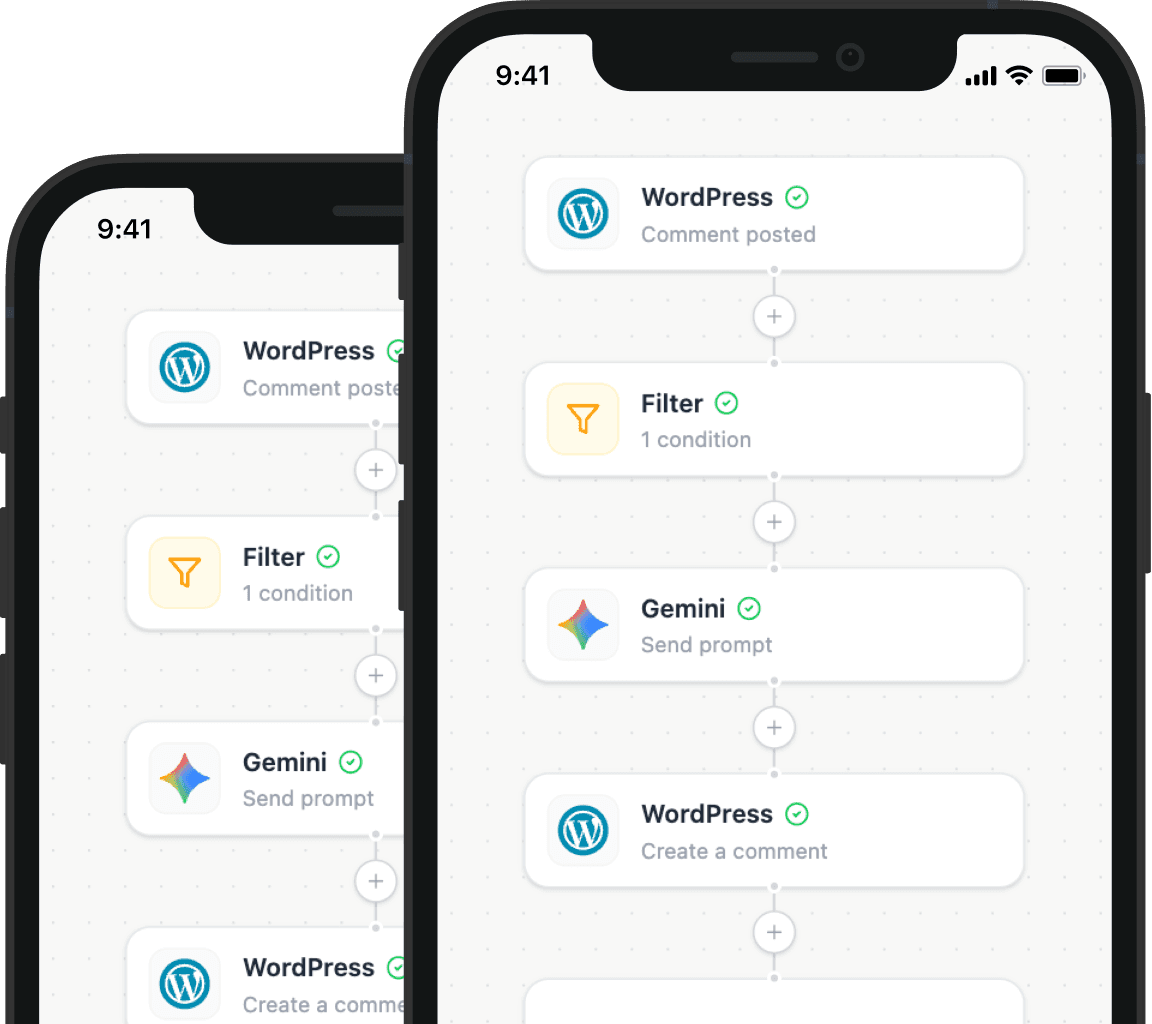
Illustration showing how Nodest connects WordPress to the tools you already use every day