Build your first automation in under 5 minutes. Sign up for free.

Connect Cal.com to Easy Digital Downloads

Build automations that connect Cal.com to Easy Digital Downloads. When something happens in Cal.com, Nodest passes the data along and runs the actions you set up in Easy Digital Downloads or the other way around — no coding required.

Automations

Popular Cal.com and Easy Digital Downloads workflows

Pick a ready-made workflow that connects Cal.com with Easy Digital Downloads, customise it to fit your needs, and go live in minutes.

Triggers and actions

Available triggers and actions for Cal.com and Easy Digital Downloads

Combine the triggers and actions of Cal.com and Easy Digital Downloads to build your automation. Triggers start the automation, and actions are the steps that follow.

Booking cancelledTrigger

Booking cancelled

Fires when a booking is cancelled.

Booking createdTrigger

Booking created

Fires when a new booking is scheduled.

Booking paidTrigger

Booking paid

Fires when a paid booking's payment completes.

Booking requestedTrigger

Booking requested

Fires when a booking needs host confirmation.

Booking rescheduledTrigger

Booking rescheduled

Fires when a booking is moved to a new time.

Meeting endedTrigger

Meeting ended

Fires when a booking's end time passes.

Team booking cancelledTrigger

Team booking cancelled

Fires when a team event type booking is cancelled.

Team booking createdTrigger

Team booking created

Fires when a team event type gets a new booking.

Team booking rescheduledTrigger

Team booking rescheduled

Fires when a team event type booking is moved.

Add a member to a teamAction

Add a member to a team

Add an existing Cal.com user to a team.

Cancel a bookingAction

Cancel a booking

Cancel a Cal.com booking.

Create a bookingAction

Create a booking

Book a Cal.com event type for an attendee.

Find bookingsAction

Find bookings

List bookings in your Cal.com account.

Find event typesAction

Find event types

List event types in your Cal.com account.

Find schedulesAction

Find schedules

List availability schedules in Cal.com.

Find team bookingsAction

Find team bookings

List bookings for a Cal.com team.

Find team event typesAction

Find team event types

List event types for a Cal.com team.

Find team member schedulesAction

Find team member schedules

List availability schedules for a team.

Find team membersAction

Find team members

List members of a Cal.com team.

Find teamsAction

Find teams

List teams you belong to in Cal.com.

Mark a booking absenceAction

Mark a booking absence

Mark the host or an attendee as a no-show.

Reassign a booking to a hostAction

Reassign a booking to a host

Reassign a round-robin booking to a host.

Remove a member from a teamAction

Remove a member from a team

Remove a member from a Cal.com team.

Reschedule a bookingAction

Reschedule a booking

Move a Cal.com booking to a new time.

Retrieve a bookingAction

Retrieve a booking

Get a single Cal.com booking by UID.

Retrieve an event typeAction

Retrieve an event type

Get a single Cal.com event type by ID.

Customer createdTrigger

Customer created

Fires when a new customer is created.

Download publishedTrigger

Download published

Fires when a download is published.

File downloadedTrigger

File downloaded

Fires when a file is downloaded.

Purchase completedTrigger

Purchase completed

Fires when a purchase is completed.

How it works

Connect Cal.com with Easy Digital Downloads in three steps

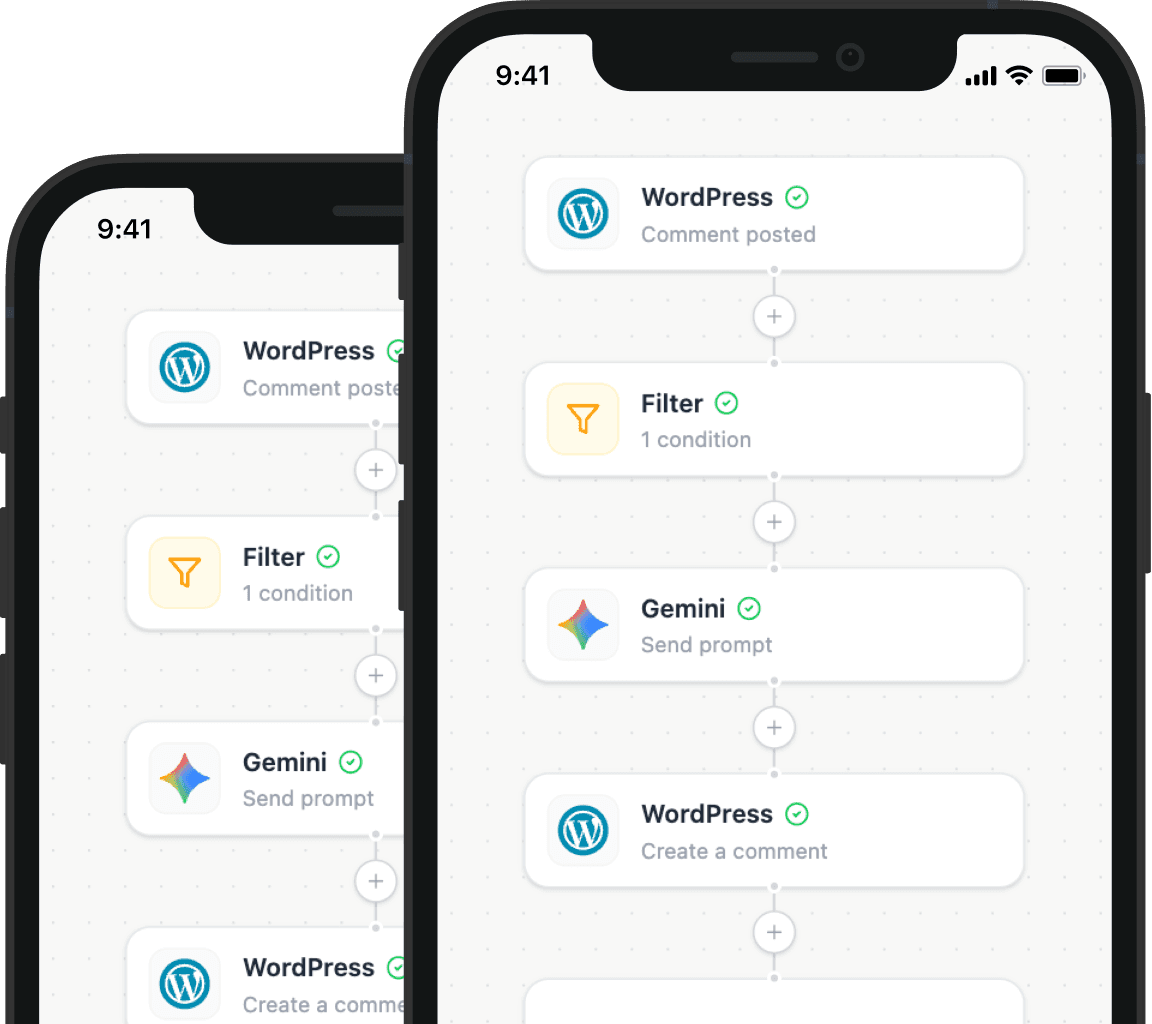
Create automations that move data between Cal.com and Easy Digital Downloads. Nodest handles the work in between, so you can focus on what matters.

Connect Cal.com and Easy Digital Downloads

Link your Cal.com and Easy Digital Downloads accounts to Nodest in a few clicks, so both tools are ready to use in automations.

Pick a trigger

Choose the event that starts your automation, such as a new order, form submission, or updated record in Cal.com or Easy Digital Downloads.

Chain actions and go live

Add one or more actions, and combine them with filters, branches, and delays to create a workflow that fits your needs.
Frequently asked questions about Cal.com and Easy Digital Downloads

Find answers to common questions about connecting Cal.com with Easy Digital Downloads using Nodest.

How do I connect Easy Digital Downloads to Nodest?

Click Connect on Easy Digital Downloads in your Integrations list and enter your WordPress site URL. Nodest sends you to your own site to approve the connection.

Do I have to configure webhooks or an EDD API key?

Automation tips and tricks for WordPress professionals

Learn how to take control of your time with automation tips and productivity insights - weekly to your inbox.

Illustration showing how Nodest connects WordPress to the tools you already use every day